By Nikhil Garg — ex-CTO, 13+ years building and shipping software
AI Tools Aren't the Problem. Treating the Output Like It's Done — That's the Problem.
Let me be clear up front: I use AI coding tools every day. Cursor, Claude Code, v0, Lovable, Copilot — they've compressed weeks of work into afternoons. If you're a non-technical founder and you got a working prototype out of a weekend with Lovable, that is genuinely impressive. Ten years ago, that prototype would have cost you $40,000 and taken two months.
The problem isn't the tools. The problem is what happens next.
AI tools are optimized for one very specific thing: producing code that looks like it works. They're trained on millions of snippets that compile, render a UI, return a 200 response. That's exactly what you need for a demo. You can show your investors. You can get three users on it. You can feel like you shipped.
But "compiles and runs on my laptop" and "survives contact with real users, real traffic, real attackers, real money" are not the same thing. Not even close. The gap between them is roughly where I've spent the last ten years of my career as a CTO.
Here's what keeps happening in 2026. A founder uses an AI tool to build an MVP in two weeks. It works. They launch. They get 200 signups in the first week. And then — sometime between week two and week six — the whole thing starts falling apart. Pages crashing. Passwords leaking. Bills spiking to $3,000/month for 50 users. Stripe webhooks silently failing and nobody noticing until a customer emails asking where their refund is.
That's not an AI failure. That's a category error. The founder thought they had a product. What they actually had was a prototype wearing a product's clothes.
This post is about the six specific gaps that show up in almost every AI-generated codebase I've reviewed — and how to tell if yours is one of them before your users find out for you.
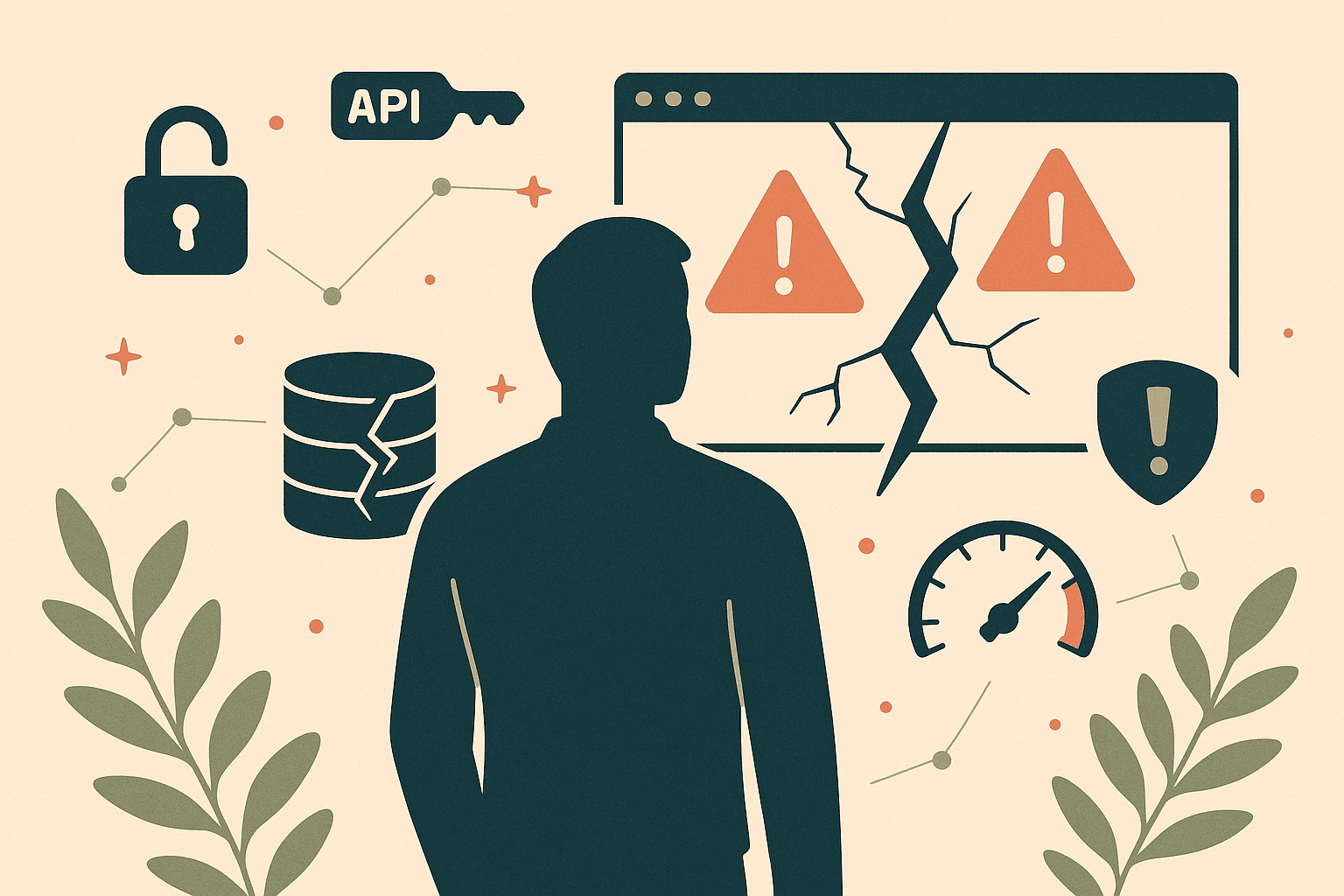
The 6 Things AI Codebases Almost Always Get Wrong
1. No Error Handling
AI-generated code assumes the happy path. Every API call succeeds, every database query returns data, every user input is well-formed. In a demo that's fine — you control the inputs. In production, a single malformed request or a third-party API timeout can crash the whole request. Worse: the error message that leaks back to the user often contains stack traces, internal paths, or database queries. I've seen production apps expose their entire ORM query in a 500 response because nobody wrapped the call in a try/catch.
2. No Auth Security
The AI writes an auth flow that works — login, signup, JWT in localStorage. What it almost never writes: rate limiting on login (so brute-force is trivial), password reset tokens that expire, secure session invalidation, CSRF protection on state-changing routes, or proper checks on the backend that the logged-in user actually owns the resource they're requesting. I've reviewed MVPs where /api/users/123/invoices would happily return user 123's invoices even if you were logged in as user 456. That's not a bug. That's every paying customer's data, one URL away.
3. No Database Indexing
AI tools generate schemas that work for ten rows. They'll happily write SELECT * FROM orders WHERE user_id = ? without an index on user_id. At 100 rows it's fine. At 100,000 rows, every page load takes eight seconds and your database CPU hits 100%. You think you have a scaling problem. You don't. You have a missing index problem — and the fix is one line — but you won't know that until you're already paying for a bigger database to mask it. For more on this, see my post on SaaS architecture mistakes that cost $50k to fix.
4. Hardcoded API Keys
This one makes me physically wince. AI assistants routinely paste API keys, database URLs, and Stripe secrets directly into source files — sometimes even in frontend code that ships to the browser. If your repo is on GitHub, scrapers find exposed keys within minutes of a commit. I've seen a founder rack up a $4,000 OpenAI bill overnight because their key was pushed to a public repo and a bot scraped it. The AI didn't warn them. It just did what it was asked.
5. No Environment Separation
There's one database. It's the production database. Your "staging" is localhost. When you want to test a migration, you run it on prod and hope. When you want to reset test data, you... can't, because it's real customer data now. AI tools don't set up proper dev/staging/prod environments because you didn't ask for them — and you didn't ask for them because you didn't know you needed them. The first time you need to roll back a bad deploy, you'll wish you had.
6. No Logging or Monitoring
When something breaks in production — and it will — you need to know what broke, when, and for whom. AI-generated MVPs almost never set up structured logging, error tracking (Sentry, Bugsnag), uptime monitoring, or even basic request logs. The first time a customer emails "the app is broken," your only debugging tool is asking them to refresh and hoping it works. You're flying blind in your own product.
The 5-Point Production-Readiness Checklist
Before you tell anyone your SaaS is "live," run through this. Be honest. If you can't confidently say yes to all five, you have a prototype, not a product.
- Can you find out about an error before a customer tells you? You need error tracking (Sentry) and at least basic uptime monitoring. If your answer is "I'll check the logs" — where are the logs? Can you search them?
- Are your secrets out of your codebase? Every API key, database URL, and token must live in environment variables, not source files. Run a secret scanner (
gitleaks,trufflehog) on your repo. If it finds anything, rotate those keys today. - Is your production database separate from development, with backups? A managed Postgres or MySQL with automated daily backups. If your backup strategy is "it's on Vercel," that's not a backup.
- Does every API endpoint check authorization, not just authentication? Logged-in ≠ allowed. Every route that touches user data must verify the caller owns that data. Manually test this: log in as user A, try to fetch user B's data by changing the URL. It should fail.
- Does your slowest page load in under 2 seconds with realistic data? Seed your dev database with 10,000 rows. Click around. If anything is slow, you're missing indexes. Better to find this now than when a customer does.
What to Do If You're Already Live and Breaking
If you're reading this with a pit in your stomach because your app is live and any of the above sounds familiar — you have three paths. They're not equal. Pick based on how deep the hole is.
Option 1 — Patch. The damage is shallow. Maybe one or two of the six issues, no data loss yet, users haven't churned. Hire a senior engineer for a week to add error handling, move secrets to env vars, and set up Sentry + daily backups. Budget: $3–8k. This works if your codebase is salvageable — meaning a real engineer can read it without weeping.
Option 2 — Rescue. Multiple issues, things breaking weekly, you're losing sleep but customers haven't left yet. You need a structured audit and a prioritized fix plan, not a panic patch. Usually 4–8 weeks of focused work to harden auth, add monitoring, fix the top three scaling bottlenecks, and establish real environments. Budget: $15–30k. This is the sweet spot for most founders who built with AI and now need it production-grade.
Option 3 — Rebuild. The codebase is beyond rescue. Hardcoded paths everywhere, no tests, copy-pasted AI output nobody understands, data already corrupted. Rebuilding sounds terrifying but is sometimes the cheaper option — especially because you now know exactly what the product should do. Budget: 8–12 weeks, $40–80k, but you get something you actually own. I walk through the signs you're in this zone in my 5 technical decisions that haunt startups post.
Stop Guessing. Get an Honest Read.
If any of this hit close to home — if you've got an AI-built MVP live, or one about to go live, and you're not sure which of these six landmines you're standing on — don't wait for a customer to find out for you.
I run an AI codebase rescue service specifically for this. You send me the repo. I spend a few hours going through it with the same eye I'd use for a code review at a Series A company. You get back a written report: what's broken, what's a time bomb, what's actually fine, and — most importantly — what to fix first and what the realistic cost is.
No pitch, no retainer pressure. Just a senior engineer telling you the truth about your codebase. Because the founders who act on this early pay a fraction of what the ones who wait six months do.
nikhilgarg510.com/ai-codebase-rescue — send me your repo. I'll tell you what you're actually working with.