You built your whole app in Lovable. It works. You can sign up, log in, click around, and it all does what you wanted. Now you are about to put real customer data and real payment details into it, and a quiet voice is asking: is my Lovable app secure enough to launch? Good. That voice is right to speak up.
Here is the honest answer up front. AI code builders like Lovable and Bolt are excellent at making something that works. They are much weaker at making something that is safe when a stranger with bad intentions pokes at it. Those are two different problems. A demo that works and an app that survives real users are not the same thing, and the gap between them is almost entirely security and edge cases.
This post walks you through where the exposure usually hides, a checklist you can run yourself without being technical, and the moment where you genuinely need a human to look before you take money. No fear-mongering. Just the stuff I find every week in rescued AI codebases.
Where AI code builders quietly leave you exposed
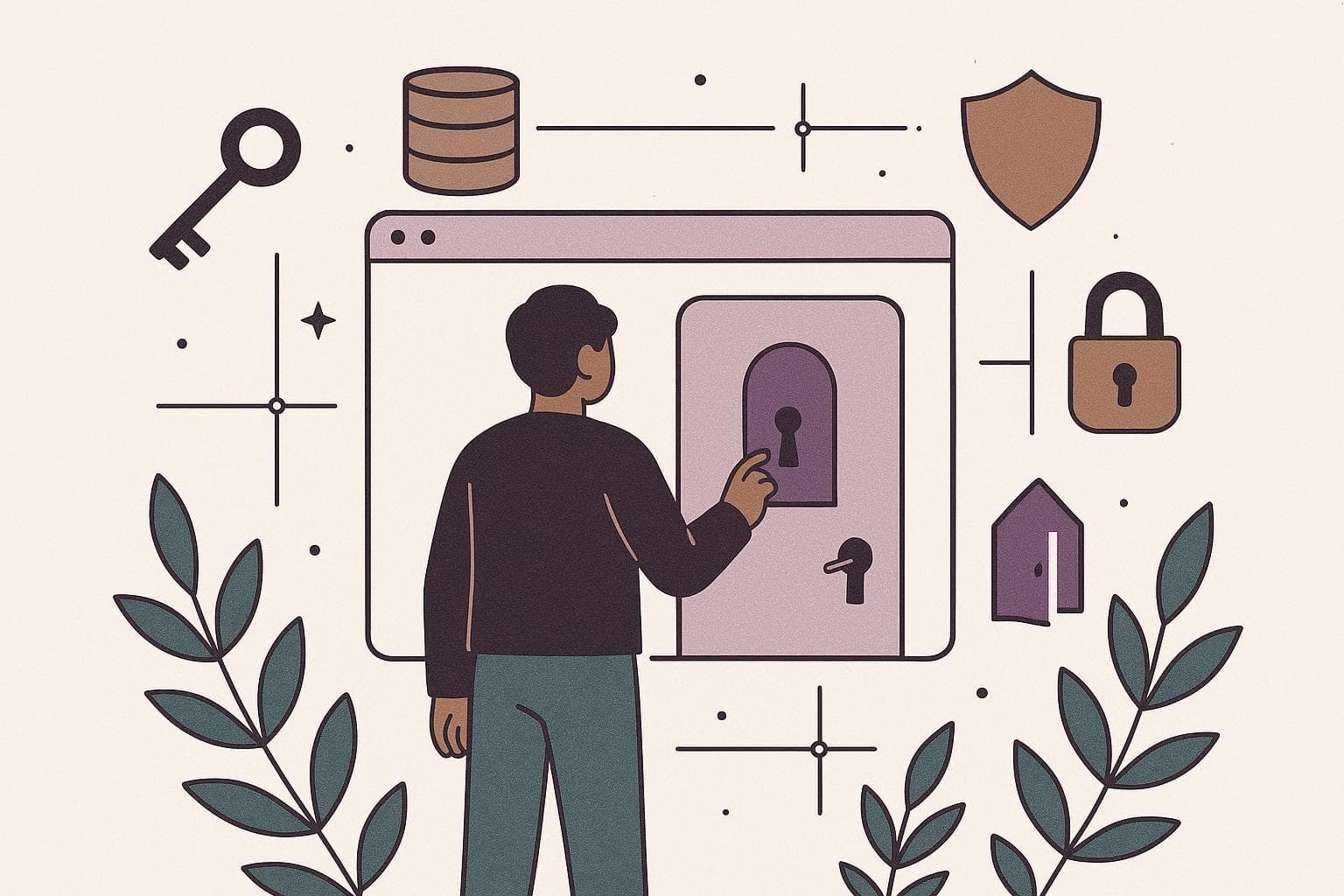
The trouble with vibe coded app security is that the tool optimises for what you can see. You asked for a login page, it built a login page, it looks great. What you cannot see is whether the door behind that page actually locks. The AI rarely gets that part wrong loudly. It gets it wrong silently.
Here are the patterns I see over and over.
The frontend checks, but the backend does not
Lovable will happily hide the "delete" button from a normal user. But hiding a button is not the same as blocking the action. If the actual rule ("only the owner can delete this") lives only in the browser, anyone who knows how to open the developer tools can call the delete function directly. The button was theatre. The lock was never installed.
Everyone can read everyone's data
This is the big one. Many AI-built apps use a database where, by default, any logged-in user can read any row. So user A can pull up user B's records just by changing a number in a request. For a to-do app, embarrassing. For anything with customer data or payments, that is a breach, and depending on where your users are, a legal problem.
Secrets baked into the wrong place
API keys, Stripe keys, database passwords. The AI sometimes drops these into the frontend code, where they ship to every visitor's browser. I will come back to this because it is the most common time bomb.
No rate limiting, no abuse protection
Nothing stops someone from hitting your signup or password-reset endpoint ten thousand times a minute. That runs up your bills and can knock the app over. I wrote more about the specific ways an AI-built MVP fails in production, and most of it traces back to these blind spots.
None of this means the AI is bad. It means the difference between vibe coding and a real developer shows up exactly here, in the parts that never appear on screen.
A plain-English security checklist a non-technical founder can run
You do not need to read code to run most of this. Think of it as a bolt app security checklist that works for Lovable, Bolt, Replit, or anything similar. Work through it before launch.
- Try to see someone else's data. Make two accounts. Log in as the second one. Can you see anything that belongs to the first? If yes, stop. That is the single most important test, and it fails constantly.
- Check what ships to the browser. Ask whoever built it (or the AI itself): "Are any API keys or secret keys stored in the frontend?" The safe answer is that all secret keys live on the server or in environment variables, never in client-side code.
- Confirm the database has access rules. If you are on Supabase, this is called Row Level Security. Ask: "Is Row Level Security enabled on every table?" If the answer is no or "I'm not sure," that is a red flag.
- Check the payment flow. Real payments should go through Stripe (or similar) using their hosted, tested components. You should never be storing raw card numbers yourself. If your app touches card data directly, get help now.
- Password and login hygiene. Passwords should never be stored as plain text. Use a real auth provider (Supabase Auth, Clerk, Auth0). If your app rolled its own login from scratch, be suspicious.
- HTTPS everywhere. Your live URL should start with
https, with the padlock. Most hosting gives this for free, but confirm it. - Error messages should not leak. Break something on purpose. If the error dumps a wall of technical detail, file paths, or database names to the user, that is information you are handing to an attacker.
Run all seven. If you clear them, you are ahead of most launched apps. If two or three fail, you have a to-do list, not a crisis. This kind of pre-launch discipline is the same mindset I cover in watching the build without being technical.
Exposed API keys, open databases, and other common time bombs
Let me expand on the three that cost founders the most money and sleep.
Exposed API keys
Your app talks to other services: an email provider, an AI model, a payment gateway. Each gives you a key. Some keys are meant to be public, most are not. When a secret key leaks into frontend code, anyone can copy it and spend on your account. I have seen a founder run up a four-figure OpenAI bill in a weekend because the key was sitting in plain view. The fix is straightforward: secret keys live only on the server, and you rotate any key you suspect was exposed. Is AI generated code safe on this front? Not by default. You have to check.
Open databases
The nightmare scenario. Your whole user table, readable by anyone who finds the URL. It happens when access rules are switched off and the app relies on the frontend to "just not ask" for the wrong data. Attackers ask for the wrong data on purpose. Turn on database-level access rules, test them, done.
No backups and no way to recover
Not strictly security, but it lives in the same category of "you only find out when it is too late." If someone corrupts your data or you push a bad change, can you roll back? Confirm automatic backups are on. This is part of the wider set of things that break in the first 90 days after launch.
These three are the usual suspects behind the architecture mistakes that get expensive to fix later. Catching them pre-launch costs an afternoon. Catching them after a breach costs your reputation.
When to get a human to audit before you take real money
You can run the checklist yourself. That covers the obvious stuff. But there is a line where a second set of experienced eyes stops being optional.
Get a human to audit before launch if any of these are true:
- You are storing anything sensitive: health data, financial records, ID documents, anything you would hate to see leaked.
- You are taking real payments and money moves through your app, not just a Stripe link.
- You are in a regulated space, or your customers are businesses who will ask you security questions before they sign.
- You cleared the checklist but genuinely could not tell whether an answer was "yes" or "I hope so."
An audit here is not a huge project. A good engineer can review a Lovable or Bolt app's exposure in a day or two and hand you a prioritised list: fix now, fix soon, fine to leave. That is cheap insurance against the kind of incident that ends a young product. If you inherited the app from a developer who disappeared on you, an audit is doubly worth it, because you have no idea what shortcuts were taken.
Shipping the AI version can absolutely be the right call. I am not telling you to rebuild everything. I am telling you to know exactly where the risk sits before real people trust you with real data.
If you have run the checklist and something feels off, or you just want someone experienced to look before you flip the switch, that is exactly what I do in an AI codebase rescue. Better a two-day audit now than a breach in month three.